- One connected guest experience
- Multi-vendor ordering without making the pod feel fragmented
- Better group ordering experience
- Less confusion around checkout and pickup
- Vendor-friendly operations
Open OrderOpen Order

One ordering system for the whole food pod.
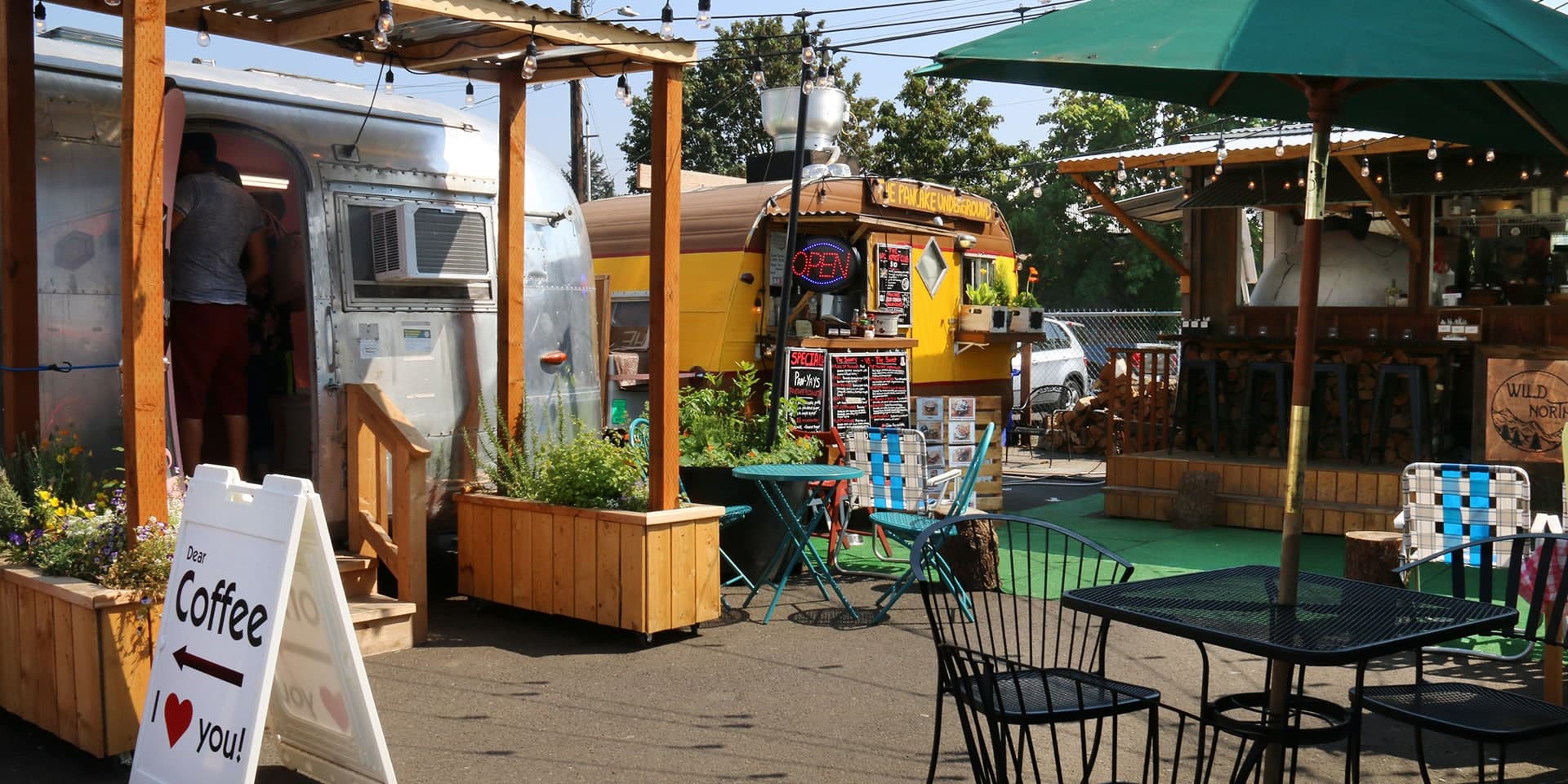
Food pods bring people together. Ordering often pulls them apart. Open Order lets guests scan one QR code, order from multiple vendors, check out once, and track every pickup from one place.
Primary guest path
- Scan QR
- View pod
- Order from multiple vendors
- Pay once
- Track pickup
Food pods are built for groups. The ordering experience is not.
Today's patchwork of lines, codes, and checkouts pulls groups apart before the food even arrives.
Separate lines
Separate QR codes or ordering systems
Separate checkouts
Separate pickup updates
Groups split up instead of staying together
Open Order connects the pod experience.
One connected ordering layer for the whole pod — built for groups, not fragmented marketplaces.
Primary guest path
- Scan QR
- View pod
- Order from multiple vendors
- Pay once
- Track pickup
- 01
Choose a pod
Guests arrive at your food pod — usually by scanning your on-site QR code.
- 02
Order from multiple vendors
One shared cart across vendors in the pod.
- 03
Check out once
One payment, one pickup flow — no juggling separate orders.
- 04
Track every vendor order
One order status page shows each vendor's progress in one place.
For pod owners
Make your food pod feel like one connected place.
Open Order gives your pod one shared ordering layer across independent vendors, helping guests order together, stay longer, and move through pickup without confusion.
For vendors
More orders, less disruption.
Vendors keep their workflow where applicable, receive clear orders, and participate in group carts without running the whole group.
- Keep existing kitchen and POS workflows where applicable
- Receive clear vendor-specific orders
- Control availability
- Get paid by vendor order
- Join larger group orders without managing the whole group
For guests
Order together. Eat together.
Most guests scan the pod QR code on-site. Explore is a fallback when you need to find a pod without a code.
- 1.Scan the pod QR code
- 2.Browse all participating vendors
- 3.Add items from multiple vendors
- 4.Pay once
- 5.Track every pickup from one order page
Ready to connect your food pod?
Talk with Open Order about bringing one checkout, one cart, and one status flow to your pod.